Assalam O Alekum,
How to download Novels
- How to download Novels. Some of readers asked us how to download these novels from this website. Well We are helping you to download your required novels. Kindly follow the steps.
- First of all , Click on the link which you want to download from the site , then the novel will be opened
- As you can see there are two options
- Download
- Read Online
- then click on the Download link ( any option from them) if you want to download.
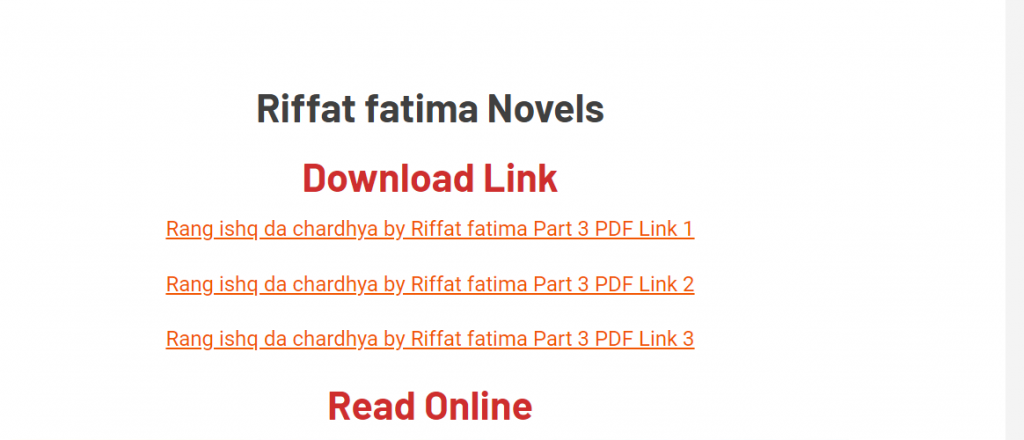
If you want to Download your novels then click one of the given options .
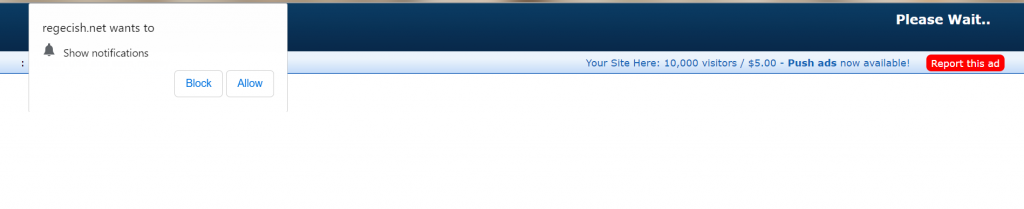
- In some adds it will ask you to either block or allow then click on Block option.
- Then another option will appear on your devise then Click on continue .
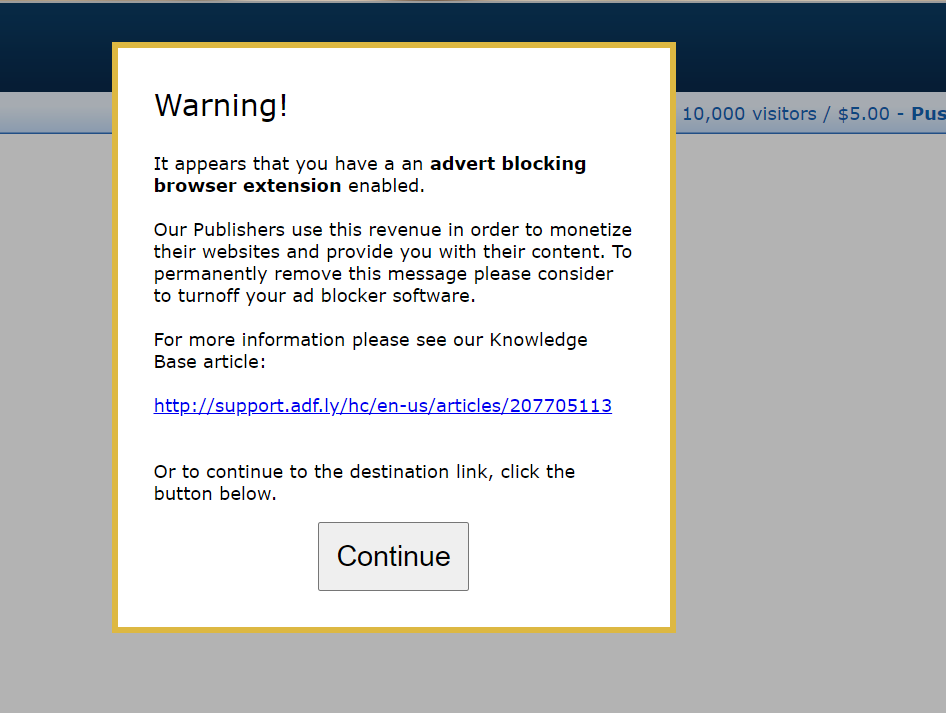
If any other add appear then ignore it or press the back button from your Phone.
- An add will appear on your screen then wait for 5 Seconds,

- on your right side you will see skip ad option click on skip ad.
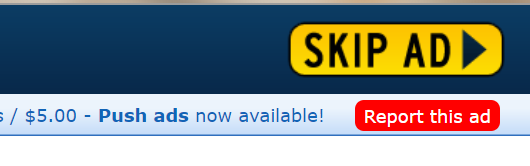
After that you will see another page that is your media fire link from where you can download your novel
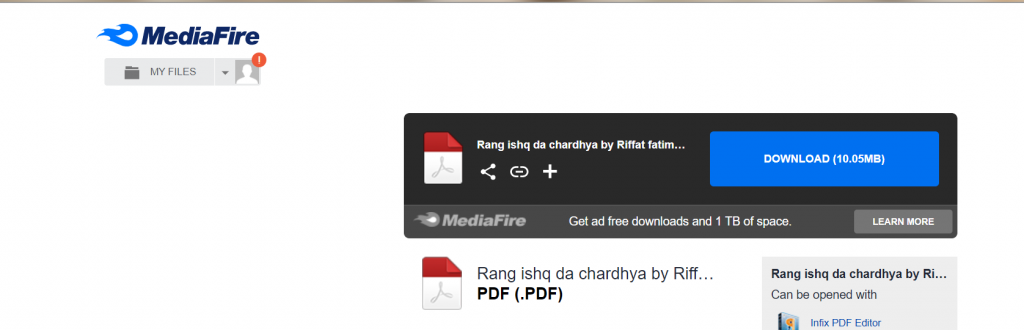
For online Reading
Same method is for Online reading just you have to open you novel link then at the end of the page you can see Read More options or novel name
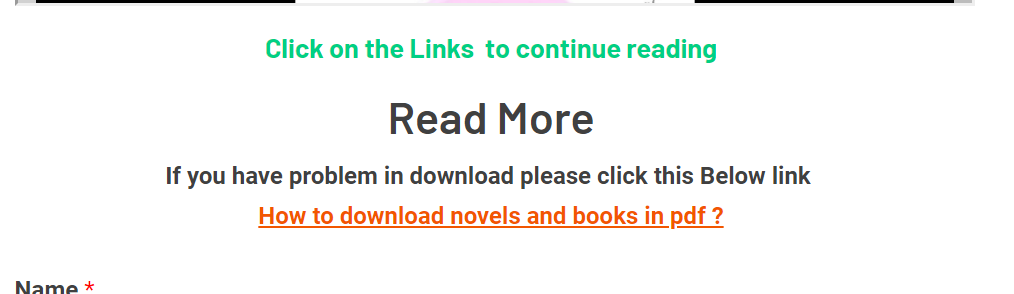
As you can see the option above , just click on the Read More link then apply all the method which have been provided you for Download Novels then your Novel for online reading will appear
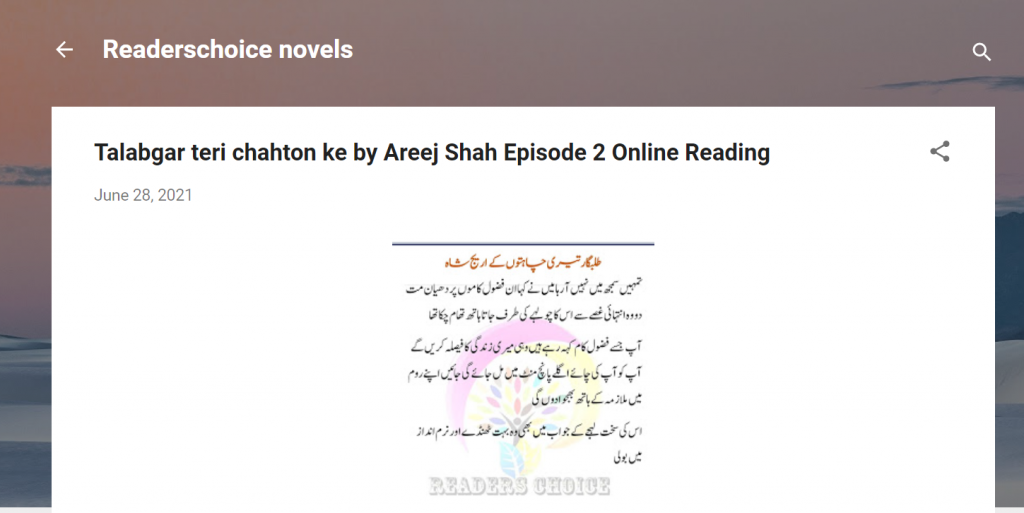
- Same method is applied for all the other adds and for Read online , location of the skip add might be different but process is same but if you feel any difficulty then let us know in the comments.
- Feel free to share your difficulties or problems, we will help you out as soon as possible.